CSI Teachable Replacement AppJoin the waitlist
Leave Teachable behind. Your courses, migrated in hours.
Connect your Teachable school, select your courses, and watch the platform scrape every lesson, video, image, and PDF — then reconstruct it faithfully inside your own branded portal. Learners sign in through SSO; no new credentials required.
The import pipeline runs as an asynchronous background job. You watch real-time progress; the platform does the heavy lifting.
Enter your Teachable admin credentials. The platform establishes a secure session and crawls your course catalog — titles, slugs, and publication status — presenting them for selection. Credentials are AES-256 encrypted at rest and never logged.
For each selected course, the scraper traverses every section and lesson in curriculum order — pulling HTML body text, embedded video iframes, image tags, and downloadable attachment links. The raw structure is staged before any media is touched.
Every image and PDF is downloaded from Teachable's CDN and re-uploaded to your private asset store under your organization's path prefix. Identical files are deduplicated by content hash. All Teachable CDN URLs in lesson bodies are rewritten to your new signed URLs.
The staged import is written to the production course tables through the same data model used by the manual course builder. Your courses appear immediately in the learner catalog, accessible to anyone authenticated through your SSO provider.
Every organization gets its own subdomain or path prefix, its own SSO config, its own asset storage namespace, and its own data boundary. No shared tables without org-scoped partition keys — cross-tenant data leakage is architectural impossibility, not just policy.
Join the early access list. We'll walk you through a live import against your real Teachable school so you can see the result before committing to anything.
Questions? Email us at sf-core-org-support-csi-teachable-replacement-app@saas-factory.ai
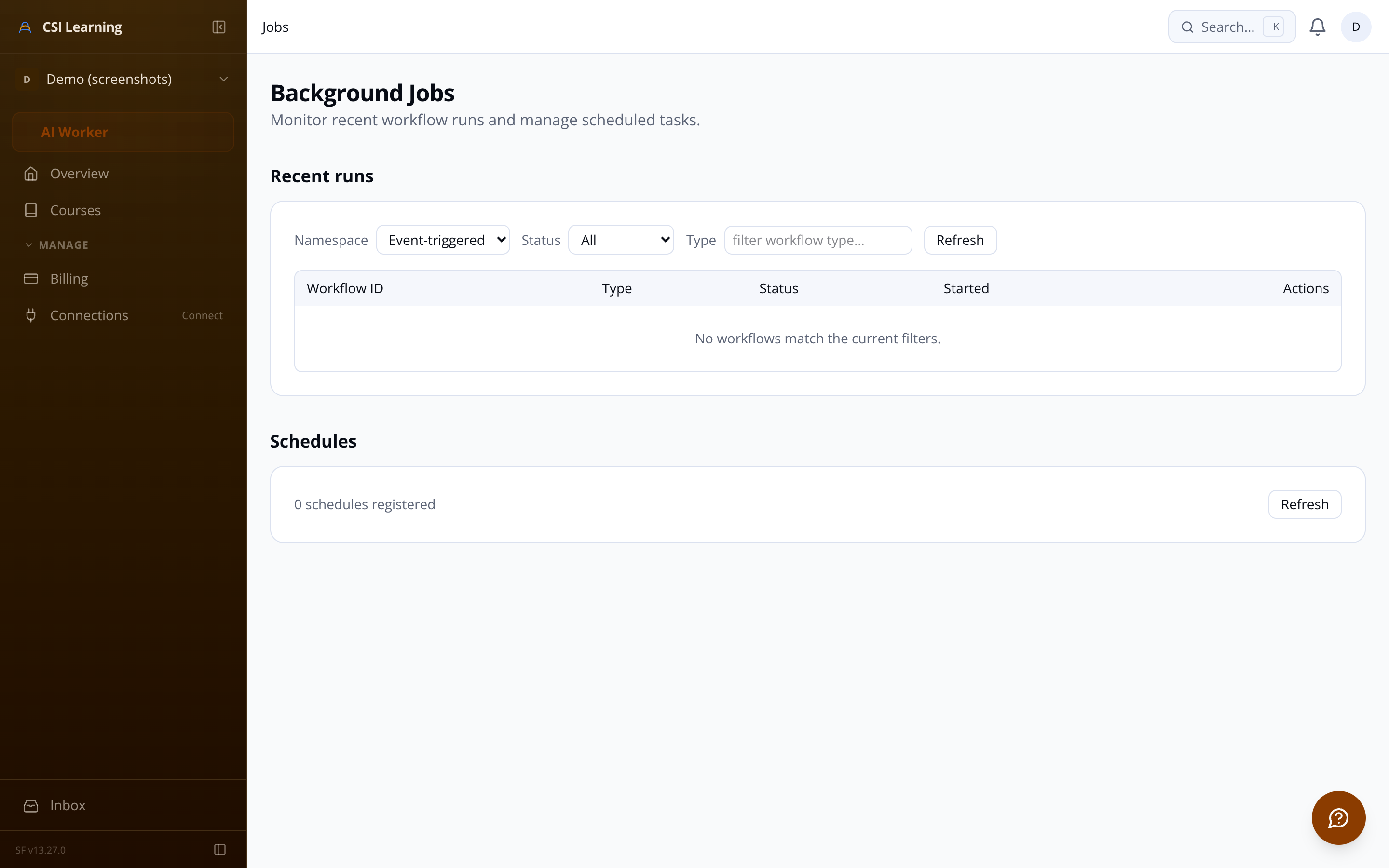
Watch the pipeline stage-by-stage: assets migrated, errors surfaced, estimated completion. Failed asset downloads don't abort the job — partial success is logged, the rest completes. A full history of past imports sits one click away.
Per-lesson error reporting without aborting the full run
Paginated import history with status and source school URL
Rate-limited scraping — no IP blocks, no CAPTCHAs
Every organization connects its own identity provider — Okta, Azure AD, Google Workspace, or any SAML 2.0 / OIDC-compliant IdP. Sessions expire with the IdP token. No separate credentials to manage, reset, or audit.
Upload your logo and set a primary color — the learner-facing catalog, lesson player, and dashboard inherit your brand without touching code.
Lesson completions, percentage progress, and course completion timestamps are stored per learner and surfaced as visual progress bars on their dashboard.
Admins get a full suite of management tools — without needing to contact support for every change.
View all learners on a course, manually add or remove individuals, or bulk-enroll via CSV upload. Filter by enrollment status to spot who hasn't started.
Per-course progress tables show every learner's completion percentage, lessons finished, and enrollment date. Export as CSV for HR reporting — no third-party BI tool needed.
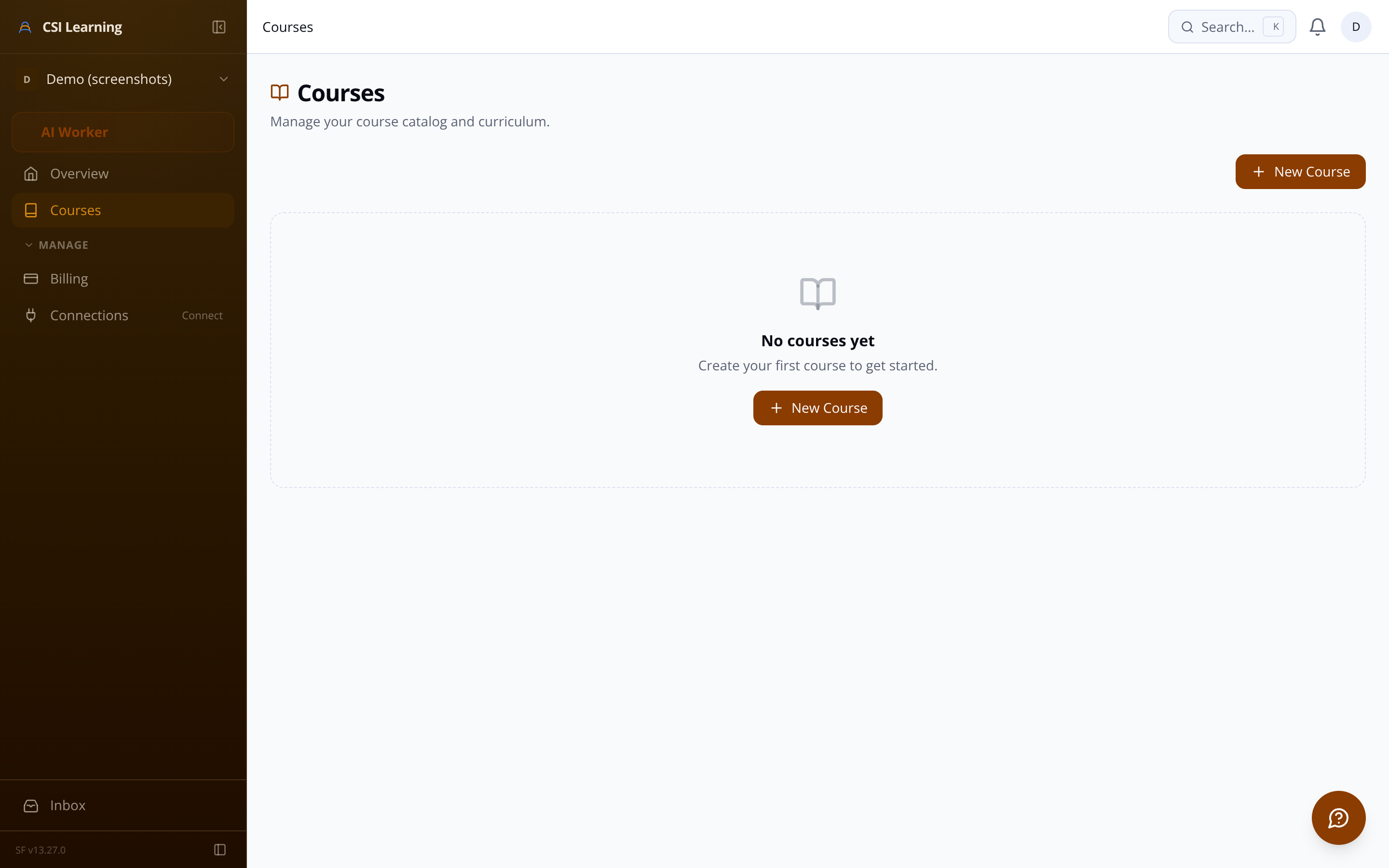
The import engine and the manual course builder write through the same data model. Imported courses are immediately editable — restructure sections, replace video URLs, upload new attachments, or write new lessons from scratch.
Drag-and-drop reordering Visually reorder sections and lessons with optimistic updates.
WYSIWYG lesson editor Rich text with headings, lists, code blocks, and inline image upload.
Video from any provider Paste a YouTube, Vimeo, Wistia, or Loom URL — embed generated automatically.
SAML 2.0 and OIDC both supported — configure once per org
Admin UI for mapping IdP attributes to learner profile fields
Connection-test button verifies config before saving
Session expiry tied directly to IdP token lifetime
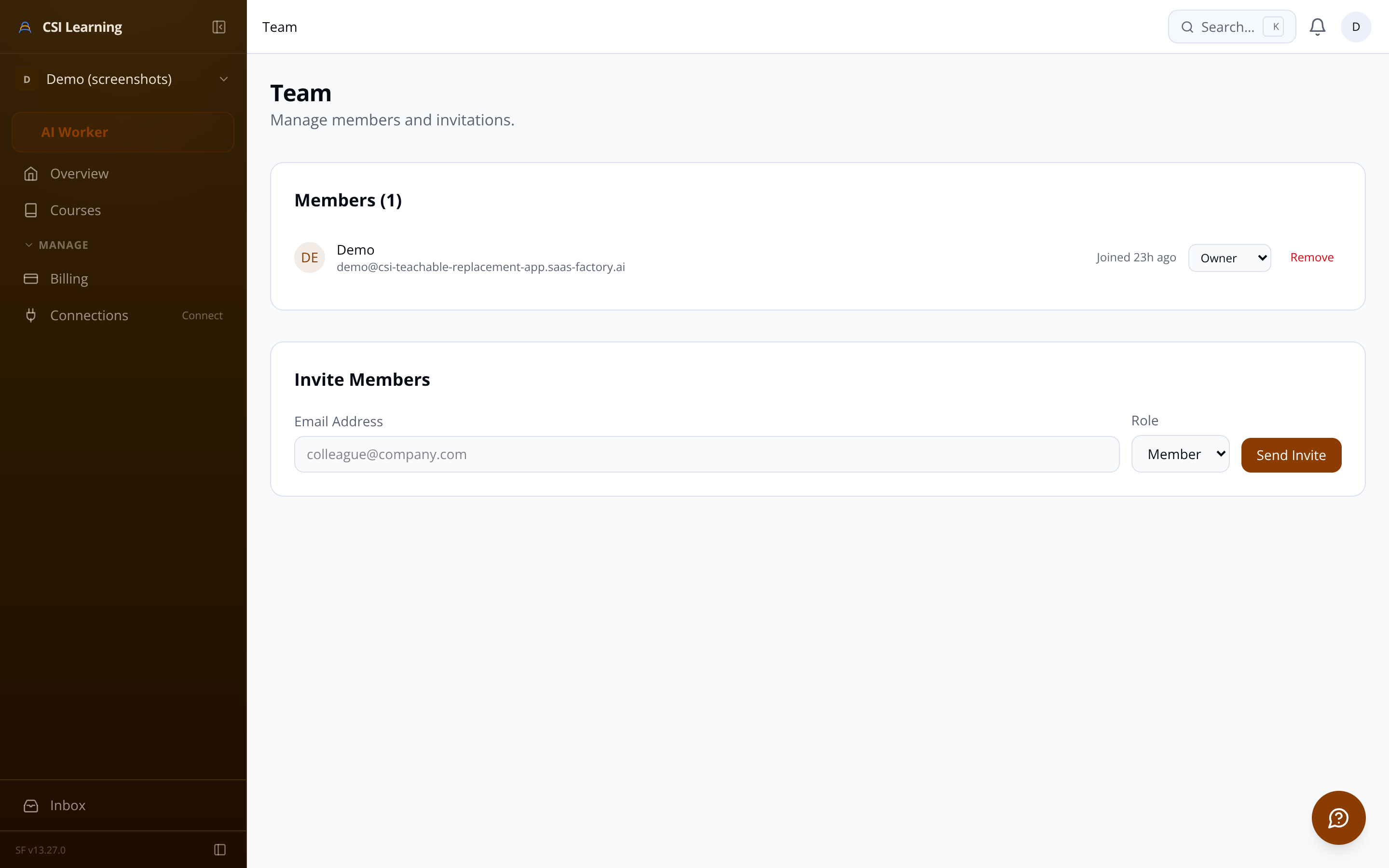
Member directory shows last login date and enrollment count
Each tenant's SSO config is isolated — one org's IdP never affects another's.
PDFs and downloads are served through short-lived signed URLs generated per request — not public permanent links. Admins see which resources learners actually download.
The lesson player is mobile-optimized with a collapsible curriculum sidebar. Previous and next lesson controls traverse the full curriculum in order; clicking 'Next' marks the current lesson complete automatically.
YouTube, Vimeo, Wistia, and Loom video embeds
Rich text lesson body rendered from structured content
Completion badge on the dashboard when every lesson is done
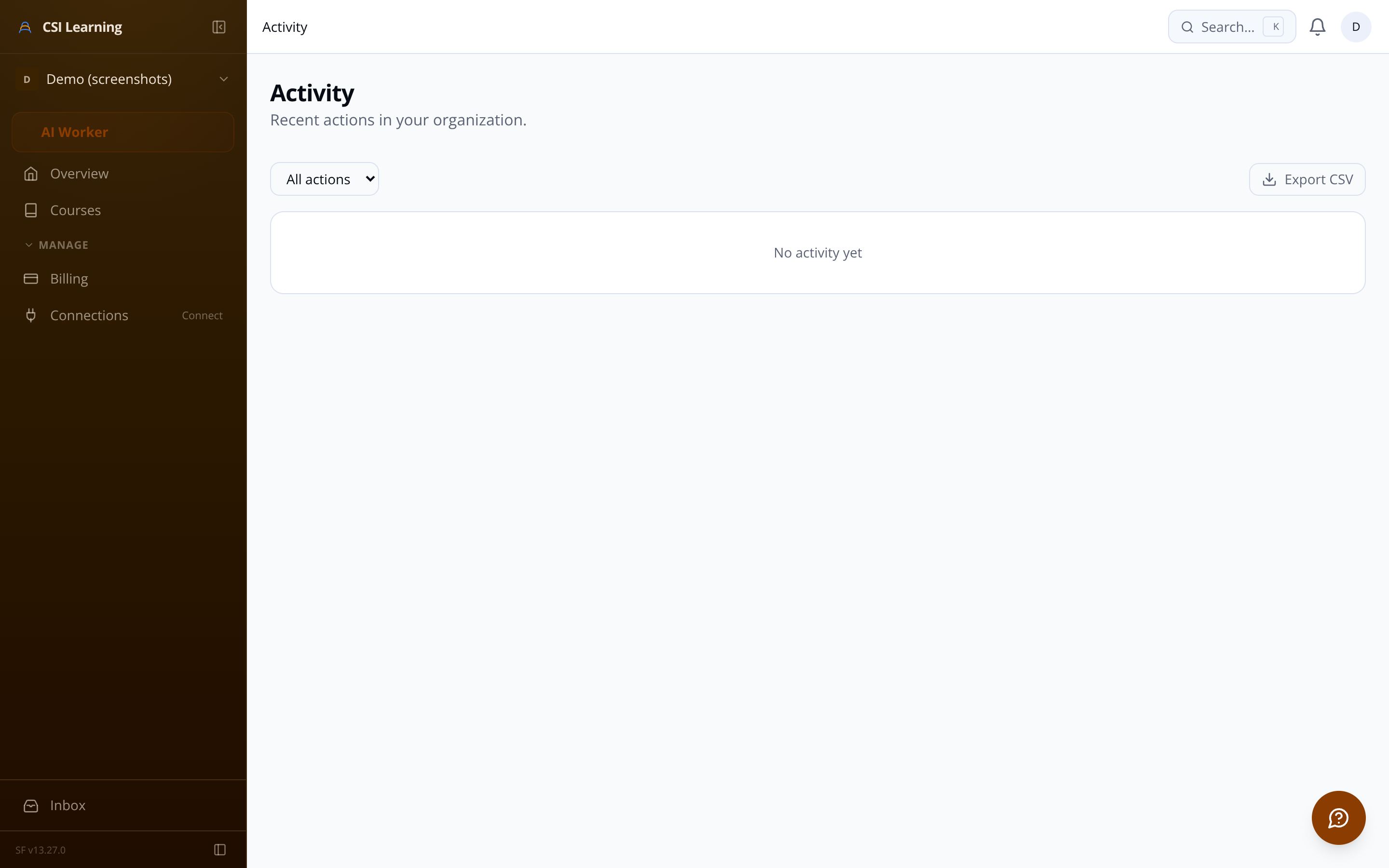
Every significant admin action — SSO config changes, course publishing, enrollment edits, import starts — is recorded with a timestamp. One tab for compliance and troubleshooting.
Branding, SSO configuration, member directory, and a controlled deletion workflow — all under a single admin settings area, fully isolated from other tenants.
Pre-publish checklist The platform validates at least one section and lesson exist before going live.
Attachment lifecycle Upload, manage, and delete lesson attachments — access tracked per download.
Thumbnail upload JPEG, PNG, and WebP supported with server-side size validation.
