CSI Teachable Replacement App
BlogContactFAQFeaturesHow it worksIntegrationsSecurityUse cases
Join the waitlist
CSI Teachable Replacement AppJoin the waitlist
CSI Teachable Replacement App
HomeBlogContactFAQFeaturesHow it worksIntegrationsSecurityUse cases
Join the waitlist

CSI Teachable Replacement App
BlogContactFAQFeaturesHow it worksIntegrationsSecurityUse cases
TermsPrivacyData Processing

© 2026 CSI Teachable Replacement App

FAQ

Questions we get before the contract is signed

Real answers about how the platform works, what it can and can't do, and what the migration process actually looks like. If your question isn't here, email us at sf-core-org-support-csi-teachable-replacement-app@saas-factory.ai and we'll respond with the truth.

PLATFORM OVERVIEW

What your learners see on day one

After SSO is configured, learners land on your organization's course catalog — branded with your logo and colors — and sign in through the identity provider they already use. No new passwords, no separate account creation. Enrollment, progress tracking, and lesson completion all happen inside the platform.

  • SAML 2.0 and OIDC SSO supported

  • Per-organization branding (logo + brand color)

  • Course catalog, lesson player, progress dashboard

  • Mobile-optimized lesson layout

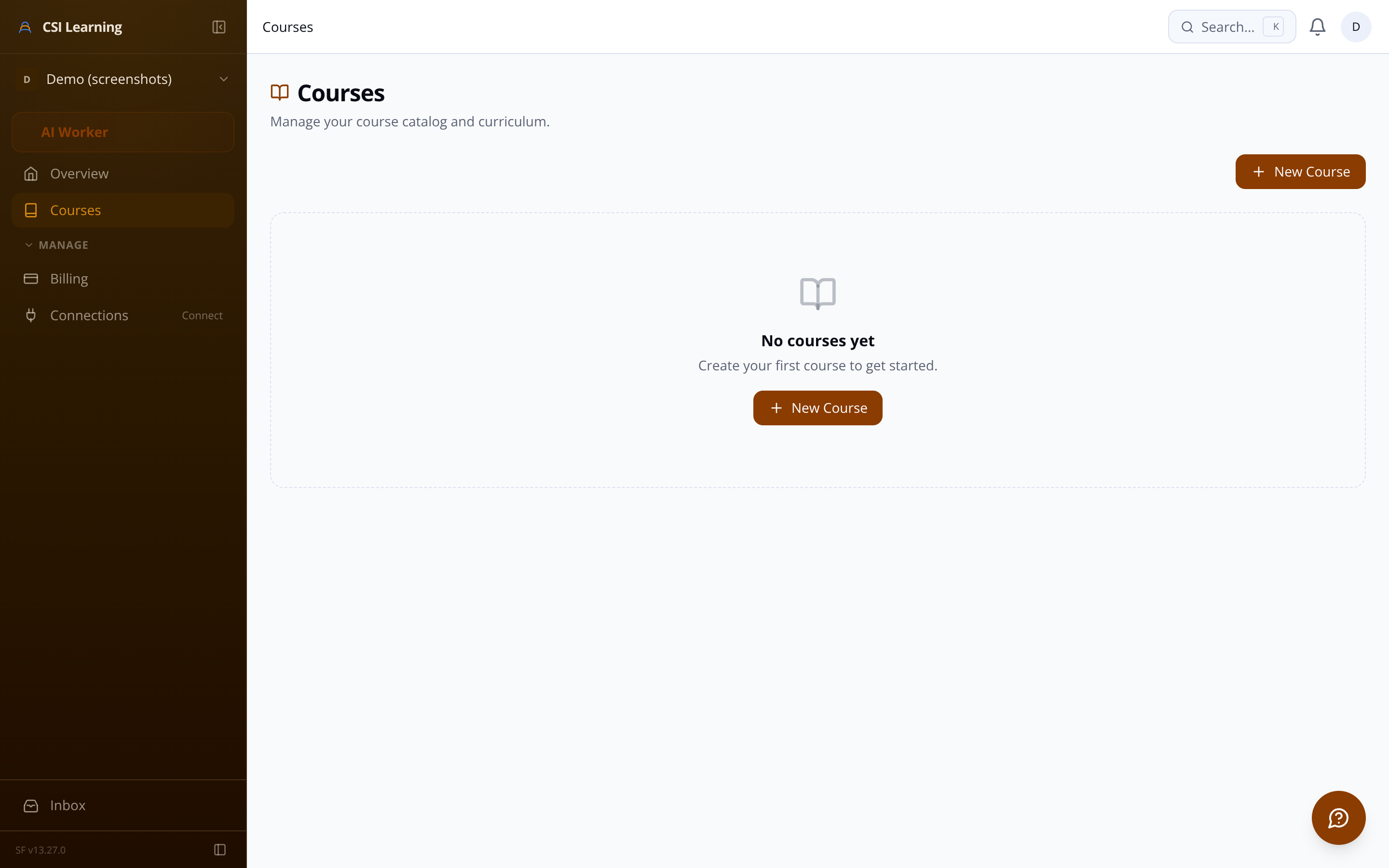
Learner course catalog showing enrolled courses and progress
STILL HAVE QUESTIONS?

Ask us directly — we'll give you a straight answer

If something above didn't answer your question, email sf-core-org-support-csi-teachable-replacement-app@saas-factory.ai and we'll respond with specifics, not marketing copy.

HONEST ANSWERS

Every question a careful buyer asks

We've answered 84 shipped features' worth of questions. These are the ones that come up on every evaluation call.

MIGRATION

What the import actually does

Enter your Teachable school URL and credentials. The importer authenticates, crawls your course catalog, and extracts the full section and lesson hierarchy — text content, video embeds, images, and PDF attachments. Assets are re-hosted under your organization's storage path. The process runs as a background job with live progress updates, so you can monitor it without staying on the page.

  • Course structure, sections, and lessons extracted in order

  • HTML lesson content converted to the platform's rich text format

  • Images and documents re-uploaded to your private asset store

  • Teachable CDN URLs replaced with signed, access-controlled URLs

ADMIN TOOLS

What administrators can see and do

Progress reporting

Per-course completion tables showing each learner's percentage, lessons finished, and enrollment date. Export to CSV for HR or compliance reporting.

Enrollment management

Add or remove individual learners, bulk-enroll via CSV upload, and filter by enrollment status — all without touching the identity provider.

Less painful than you might expect. The import pipeline authenticates with your Teachable school, crawls your full course catalog, and lets you select which courses to bring over before a single byte moves. It extracts section and lesson hierarchy, scrapes full lesson content (video embeds, rich text, images, attachments), re-hosts every asset under your organization's private storage, and replaces all Teachable CDN URLs with the new ones automatically. A real-time progress monitor shows you exactly which pipeline stage is running, how many assets have migrated, and flags any partial failures — without aborting the whole job if one file hits an error. Your credentials are encrypted with AES-256 at rest and never appear in logs or API responses.
Each organization connects its own identity provider independently — configurations for one tenant never touch another. The platform supports both OIDC and SAML 2.0, covering Okta, Azure AD, ADFS, and any standards-compliant IdP. Admins configure their provider through a dedicated UI that accepts a discovery URL or SAML metadata, maps attributes, and runs a connection test before saving. Sessions expire in alignment with your IdP's token lifetime; when a token goes stale, learners are forced to re-authenticate rather than coasting on an indefinite session.
No on both counts. Every learner-facing page performs an org-membership check and redirects anyone outside the organization to the SSO login flow before a course title is rendered. The multi-tenant data model partitions every table by organization ID, so queries are structurally scoped to the authenticated tenant — there is no query path that reaches across organizations. Asset downloads are served via short-lived signed URLs generated server-side on each page render, so there are no permanent public links to share or guess. Role-based access control keeps the course builder, enrollment management, and reporting pages off-limits to non-admin members.
Admins get three layers of visibility. First, an organization-wide dashboard widget showing total enrollments, completion rates, and active learner counts across all courses — a quick health check without opening individual reports. Second, a per-course progress table listing every enrolled learner with their completion percentage, lessons completed count, and enrollment date, so you can spot who is stuck or inactive. Third, a full CSV export of that learner progress data for offline analysis or HR reporting. On top of that, an immutable audit log records significant admin actions — SSO config changes, enrollment edits, course publishing, import job starts — giving you an accountability trail for compliance reviews.
Video embeds from YouTube, Vimeo, Wistia, and Loom are explicitly allowed via Content Security Policy headers on lesson pages; iframe sources outside those providers are blocked. For downloadable files — PDFs, images, any lesson attachment — every download is served through a server-side signed URL with a short expiration window, so there are no permanent public asset links. The platform also records a timestamped event each time a learner downloads an attachment, giving admins visibility into which resources are actually being accessed rather than just uploaded.
Organization admins can upload a logo and set a primary brand color that applies across all learner-facing pages: the course catalog, lesson player, and dashboard. Routing supports either a subdomain (yourcompany.platform.com) or a path prefix without requiring a separate deployment per tenant. Course URLs are built from auto-generated slugs derived from course titles, with uniqueness enforced per organization and support for custom slug overrides. Deep white-label theming beyond logo and brand color is not currently listed as a shipped feature — contact us for details on roadmap plans.
  • Partial failures logged without aborting the full import
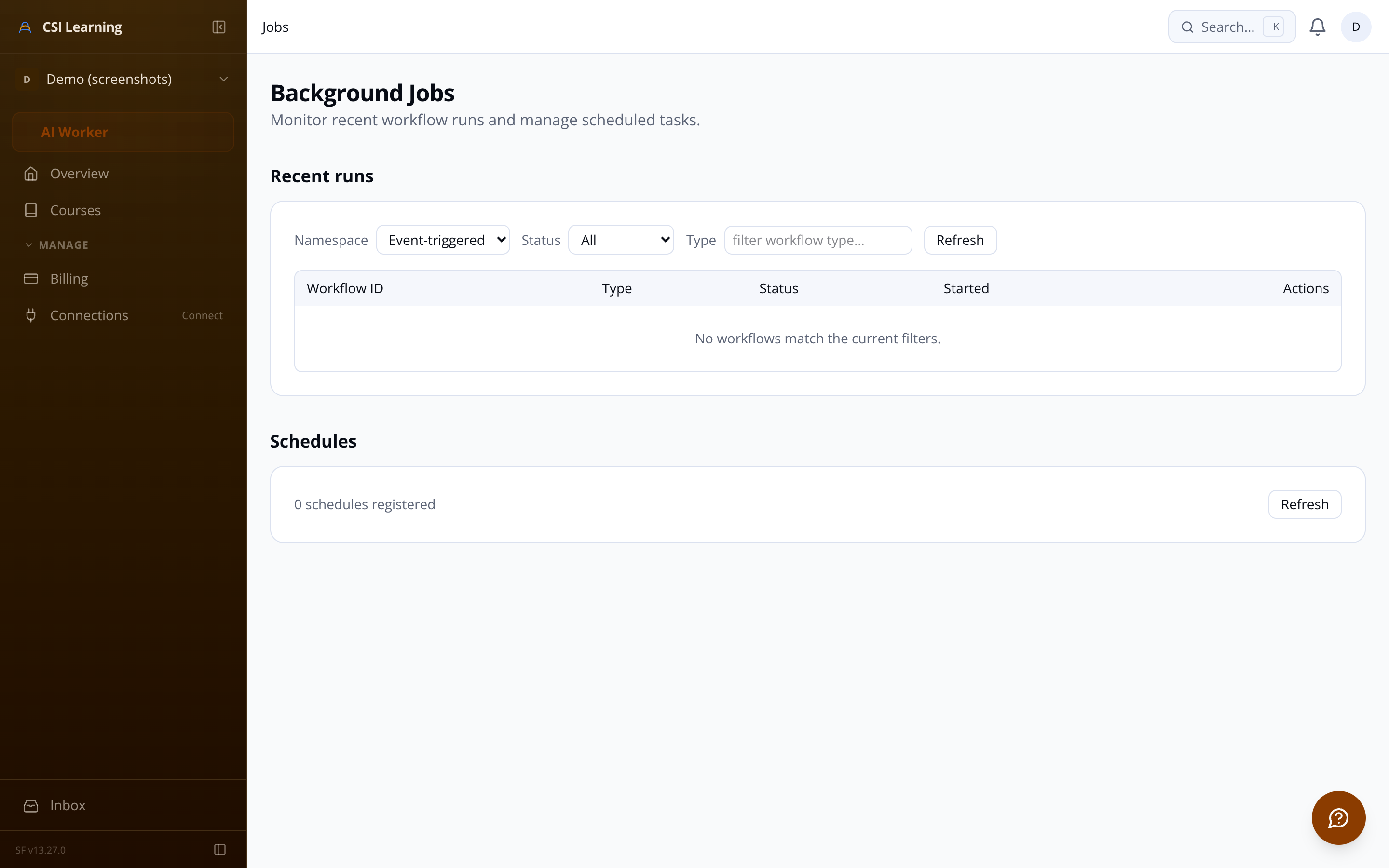
  • Import job progress monitor showing pipeline stages and asset counts

    Audit log

    An immutable record of SSO config changes, enrollment edits, course publishing events, and import job starts. Accountability trail for compliance reviews.
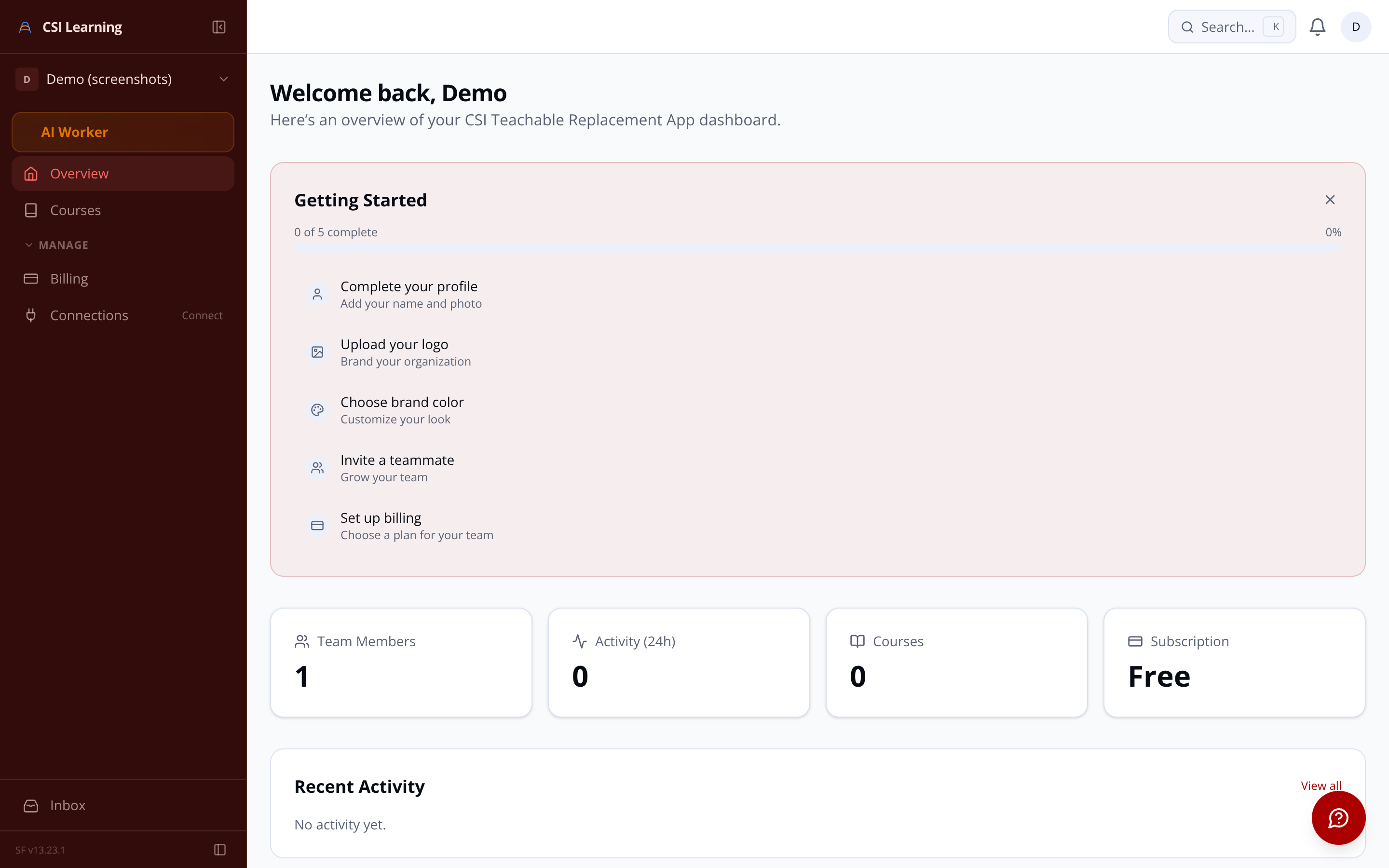
    Admin dashboard showing organization-wide completion rates and enrollment counts